
 Preview



Betpkr Withdrawal Guide: Steps, Pending and Rejected Payouts
A Betpkr withdrawal request moves an eligible wallet balance from your account to a payment account you have bound, usually a JazzCash or Easypaisa mobile wallet. This independent guide explains each step, what the status labels usually mean and what to do when a payout is pending, rejected or missing.
Third-party guides commonly mention Easypaisa, JazzCash and bank transfer for Bet PKR. The actual methods, limits, fees and processing conditions can change, so confirm them on the current withdrawal screen inside your own account.
No website, agent or support chat can guarantee a fixed payment time. Real-money gaming is for adults aged 18 or over, and you should only play with money you can afford to lose.
Commonly reported on
- Withdrawal Steps
- Verification
- Processing Time
- Avoid Release-Fee Scams
How does Betpkr withdrawal work?
A Betpkr withdrawal moves your eligible wallet balance to a bound JazzCash, Easypaisa or bank account in your own name. Log in, open Wallet or Withdrawal, enter an amount within the displayed limits and your transaction password, submit once and save the request ID. No processing time is guaranteed.
| Item | Detail |
|---|---|
| Reported methods | JazzCash, Easypaisa, bank transfer (check in app) |
| Payment account | Must be bound and in your own name |
| Security | Separate transaction (withdrawal) password |
| Age | 18+ only |
| Last updated | October 7, 2026 |
Key Takeaways
- Only the withdrawable balance can be cashed out; bonus credit, unsettled rounds and turnover conditions can hold part back.
- Bind a JazzCash, Easypaisa or bank account in your own name, because a name mismatch can cause review or rejection.
- The transaction password is separate from your login password, wallet PIN and OTP, and should never be shared.
- Submit one request, save the request ID and never create duplicates while a withdrawal is still pending.
- Never pay a release fee to an agent; payouts are not guaranteed, and real-money gaming is for adults 18+ only.
Independent information site
This page is not the official Betpkr website and cannot see, approve or speed up any withdrawal. Use only the official app or a verified link, and never send money or codes to anyone who promises to release a payout.
Before Requesting a Betpkr Withdrawal
Most withdrawal problems start before the request is submitted. A few minutes spent checking the account usually saves days of waiting and back-and-forth with support. Check:
- Withdrawable balance
- Pending game results
- Bonus balance
- Turnover requirement
- Minimum withdrawal
- Maximum withdrawal
- Account verification
- Payment-account binding
- Account-name match
- Withdrawal password
- Previous pending requests
The total wallet balance may not equal the amount available for withdrawal. Bonus credit, unsettled rounds and turnover conditions can hold part of the balance back, and the withdrawal screen normally shows the figure you can actually request.
If you cannot sign in at all, fix that first with the login guide before trying to withdraw.
How to Withdraw Money From Betpkr: Step by Step
Menu names can differ between app versions. Follow the labels on your own screen if they are worded differently.
- 1
Log in to your own account
Open the official Bet PKR app or a verified link and sign in. Avoid shared phones and public Wi-Fi while handling payments.
Betpkr login help - 2
Open Wallet, Cashier or Withdrawal
The withdrawal option is usually found in the wallet or account area. Check the withdrawable amount shown there, not just the total balance.
- 3
Bind or confirm a payment account
Add a JazzCash, Easypaisa or bank account registered in your own name, or confirm the one already saved.
Bind JazzCash or Easypaisa - 4
Enter the amount
Type an amount within the minimum and maximum displayed on the screen. Review any fee or note shown before continuing.
- 5
Enter the transaction password
Many accounts ask for a separate withdrawal or transaction password. It is not the same as the login password or a wallet PIN.
Reset a forgotten password - 6
Confirm and save evidence
Submit once, then screenshot the confirmation and note the request ID, amount, method and time.
- 7
Track the withdrawal history
Watch the status in the withdrawal or transaction history and wait for it to update before taking any further action.
How to Withdraw Money From Bet PKR: Quick Checklist
- Log in to the verified account.
- Open Wallet, Cashier or Withdrawal.
- Select an available payment method.
- Add or confirm the payment account.
- Enter the withdrawal amount.
- Review limits and possible fees.
- Enter the withdrawal password where required.
- Confirm the request.
- Save the request number or screenshot.
- Review the withdrawal history.
Submit the request once and wait for its status to update. Pressing confirm several times, or creating a second request while the first is still pending, can lock part of the balance and make the review slower, not faster.
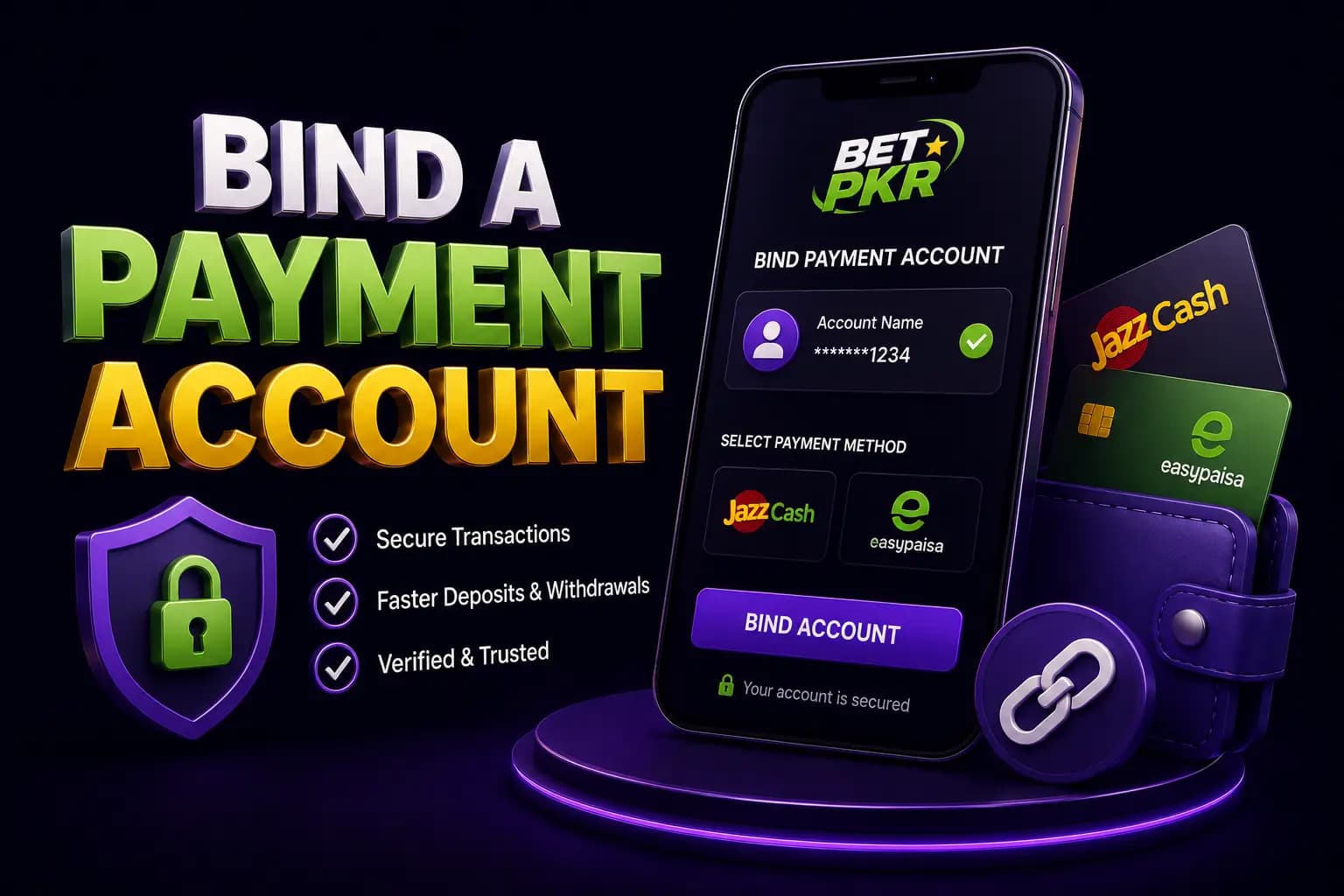
Bind a Payment Account
The platform may require users to save an Easypaisa, JazzCash or bank account before the first withdrawal. Binding links that payment account to your Betpkr profile so payouts have a fixed, verified destination.
Enter:
- Correct account holder name
- Active mobile-wallet number
- Bank details where applicable
- Requested verification information
A name mismatch may cause review or rejection. The name on the wallet or bank account should match the name used on the gaming account.
Do not bind an agent’s payment number to your account. Once a number is bound, changing it may need extra verification, and a third-party number gives someone else control over where your money goes. Our step-by-step binding guide explains the process in more detail.
Betpkr Withdrawal Through JazzCash or Easypaisa
Mobile wallets are the method most Pakistani users look for, because the money lands on the same phone used for daily payments. When a mobile-wallet option is available:
- Select the wallet.
- Enter the number carefully.
- Confirm the account holder.
- Enter an amount within the displayed limit.
- Submit the request.
- Save the request evidence.
- Check wallet notifications and transaction history.
Make sure the JazzCash or Easypaisa account is active, not blocked and able to receive funds. A wallet that has reached its own receiving limit, or one that still needs biometric verification with the provider, can bounce an otherwise valid payout.
Never share the wallet PIN or OTP to receive a withdrawal. Receiving money never requires your PIN.
Bank Withdrawal
Bank transfer is not shown on every account, and when it is available it usually needs more details than a mobile wallet. Treat this as a careful, one-time setup rather than something to rush. A bank withdrawal may require:
- Account title
- Bank name
- Account number
- IBAN
- Identity verification
The account title should match your gaming-account name exactly. Copy the IBAN from your banking app or cheque book rather than typing it from memory.
Check every digit before submitting. An incorrect account may cause rejection or misdirected funds, and money sent to a wrong but valid account can be very difficult to recover. Bank transfers may also take longer to reflect than wallet transfers, depending on the bank.
Betpkr Transaction (Withdrawal) Password
Many Betpkr accounts use a separate transaction password, sometimes called a withdrawal password or fund password. It is an extra security layer: even if someone learns your login password, they should not be able to move money out without this second code.
It is different from three other codes people often confuse it with:
- Login password: used to sign in to the account.
- Wallet PIN: your JazzCash or Easypaisa PIN, which you should never enter on a gaming site.
- OTP: a one-time SMS code used for verification, which should never be shared with another person.
You may be asked to create the transaction password the first time you withdraw or bind a payment account. Choose a code you have not used anywhere else, and do not save it in screenshots or chat messages.
If you have forgotten it, look for a reset or forgot option in the security or account settings. The reset may require an OTP to your registered mobile number. Our password reset guide covers the usual steps, and if your number has changed, see the mobile number verification guide. Several wrong attempts can temporarily lock withdrawals, so stop and reset instead of guessing.
Betpkr Withdrawal Status Meanings
Labels and wording vary between app versions. This table describes what each status usually means; it is not a promise of any processing time. Always read the message shown on your own request.
| Pending | The request has been received and is waiting in the queue or for a review. Do not submit a duplicate. Save the request ID and check again later. |
|---|---|
| Processing / Under review | The request is being handled or checked, for example for verification, bonus turnover or account-name match. Respond only to requests that appear inside the official app. |
| Rejected / Failed | The request was not approved and the amount is usually returned to the account balance. Read the stated reason, correct it and then create one new request. |
| Completed / Success | The platform marks the payout as sent. Check the bound wallet or bank history. If nothing has arrived, follow the completed-but-not-received steps below. |
| Cancelled | The request was cancelled by the user or the system. Confirm that the amount is back in the balance before requesting again. |
Why a Betpkr Withdrawal May Be Pending
Pending is the most common status people search about. Possible reasons include:
- Request is still in the processing queue
- Identity verification is incomplete
- Payment account is not bound
- Account name does not match
- Bonus turnover is incomplete
- Game result is unsettled
- Withdrawal exceeds a limit
- Security review is active
- Payment provider is delayed
- Multiple requests were submitted
A pending status does not automatically mean that the payment has failed. Busy periods, weekends and payment-network maintenance can all slow things down.
If a request stays pending much longer than usual, contact support through the official app and share the request ID, amount, method and time. Do not create new requests or accept help from strangers who message you first.
Withdrawal Rejected
Read the displayed reason first. It is usually the fastest route to a fix.
Common causes may include:
- Incorrect payment details
- Amount outside limits
- Insufficient withdrawable balance
- Bonus conditions not completed
- Verification problem
- Duplicate account review
- Incorrect withdrawal password
- Unsupported payment method
Correct the stated issue before creating another request. Repeating the same request with the same mistake usually produces the same result.
If the reason is unclear, ask verified support for an explanation and keep a copy of their reply. Holding more than one account on the same device or payment number can trigger duplicate-account reviews, so use a single account.
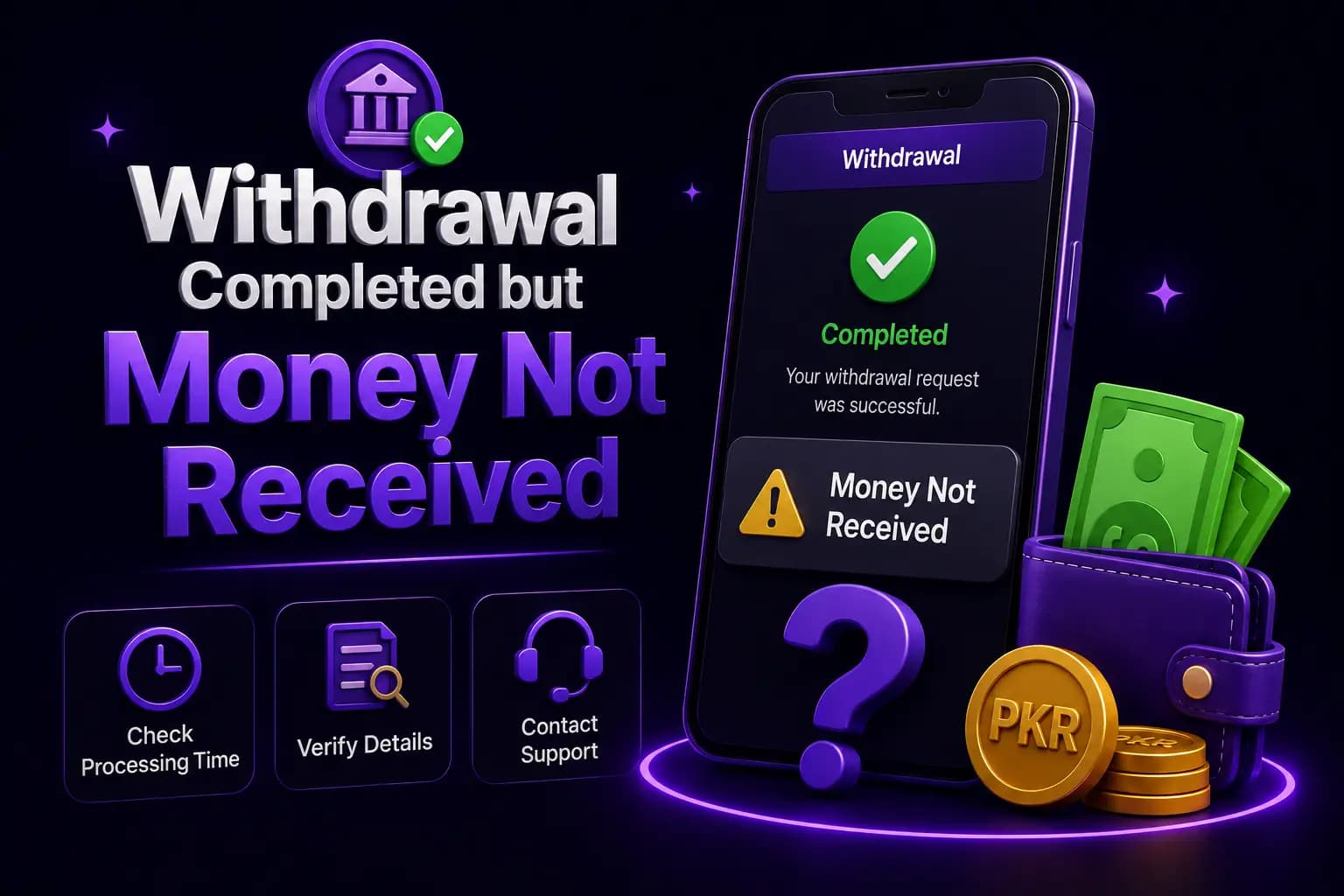
Withdrawal Completed but Money Not Received
When the app shows completed:
- Check the correct payment account.
- Review wallet or bank transaction history.
- Confirm whether an SMS notification was delayed.
- Record the completion time.
- Save the withdrawal ID.
- Contact the payment provider.
- Contact verified platform support.
- Request a transaction reference.
Do not pay a “release fee” to an unknown agent. A genuine completed payout never needs an extra payment to be unlocked.
Our detailed troubleshooting post on completed withdrawals that have not arrived walks through each check in order.
Wagering or Turnover Requirements Before Withdrawal
A promotional balance may include turnover conditions, also called wagering requirements. The account may require a certain amount of eligible gameplay before the bonus, or winnings made with it, become withdrawable. Until that is met, part of the balance can stay locked, and a withdrawal request may be blocked or rejected.
Exact turnover multiples and rules differ between offers and can change, so read the terms attached to each bonus on the current in-app screen. Check:
- Required turnover
- Eligible games
- Excluded bets
- Expiry date
- Maximum withdrawal
- Deposit requirement
- Whether the bonus can be cancelled
Do not assume that a displayed bonus is equivalent to cash. If you prefer to keep withdrawals simple, you can choose not to claim a bonus that carries turnover conditions. Our bonus and referral code guide explains how promotional balances usually work.
Evidence to Save
Good records turn a vague complaint into a request support can trace. Save them at the moment you submit, not days later when the screen may have changed. Keep:
- Withdrawal amount
- Date and time
- Request ID
- Selected method
- Masked payment account
- Pending or completed status
- Support conversation
- Transaction reference
- Relevant bonus terms
Store screenshots in a private folder and share them only through the official support channel.
Do not include passwords, wallet PINs or complete identity documents in public posts, Facebook groups or WhatsApp chats.
Withdrawal Safety Checks
Withdrawal is where most Bet PKR scams appear. Fake websites, copycat APKs and so-called agents target people who are waiting for money.
- Verify payment details before submission.
- Use an account in your own name.
- Keep the withdrawal password private.
- Never share OTP codes.
- Avoid public Wi-Fi.
- Do not allow remote device access.
- Save evidence.
- Avoid repeated requests.
- Do not pay an agent to speed up processing.
- Confirm support through the account.
Before logging in to request a payout, make sure you are on a genuine site or app. Our guide to spotting a fake Bet PKR website or APK lists the warning signs.
Release-fee and agent scams
If someone asks you to pay a fee, tax or deposit to release a withdrawal, or asks for your OTP, wallet PIN or remote access to your phone, stop. These are common scam patterns. Contact support only through the official app or verified customer service channel.
Where to Get Help With a Bet PKR Withdrawal
Use these independent guides to check each part of the payout process safely.
Verified customer service
How to reach support through the official app and what details to share about a withdrawal request.
Customer service guideSpot fake sites and APKs
Warning signs of copycat websites and modified apps that target people waiting for payouts.
Fake site checklistBonus turnover rules
How promotional balances and wagering conditions can affect what you are able to withdraw.
Bonus and referral guideResponsible gaming
Set deposit and time limits, and know when to take a break. For adults aged 18 or over only.
Responsible gamingCan a Withdrawal Be Guaranteed?
No independent page can guarantee approval, processing time or payment.
Withdrawal results depend on account status, platform rules, payment details and provider availability. Real-money gaming also carries a risk of losing the original deposit, and no strategy, app or tool can guarantee winnings. Treat any deposit as money you may not get back, set limits before you play and take a break if gaming starts to affect your finances or mood.
Conclusion
A successful Betpkr withdrawal depends on an eligible balance, accurate payment details in your own name, a correct transaction password, completed verification and compliance with current account and bonus rules.
Save request evidence, avoid duplicate submissions, use only verified support and never pay an unknown agent to release or speed up a payment.
Betpkr Withdrawal FAQ
Log in, open Wallet or Withdrawal, bind or confirm a JazzCash, Easypaisa or bank account in your own name, enter an eligible amount and your transaction password, then submit once and save the request ID.
Related Guides
We check every step on the public Bet PKR screens using ordinary Android phones and a desktop browser, and we do not publish version numbers, bonus amounts or limits we cannot verify. This is an independent guide, not the operator. Some buttons are referral links, marked as sponsored; they never change our advice. Real-money gaming is for adults 18+ only.