
Betpkr APK Not Installing? Causes and Practical Fixes
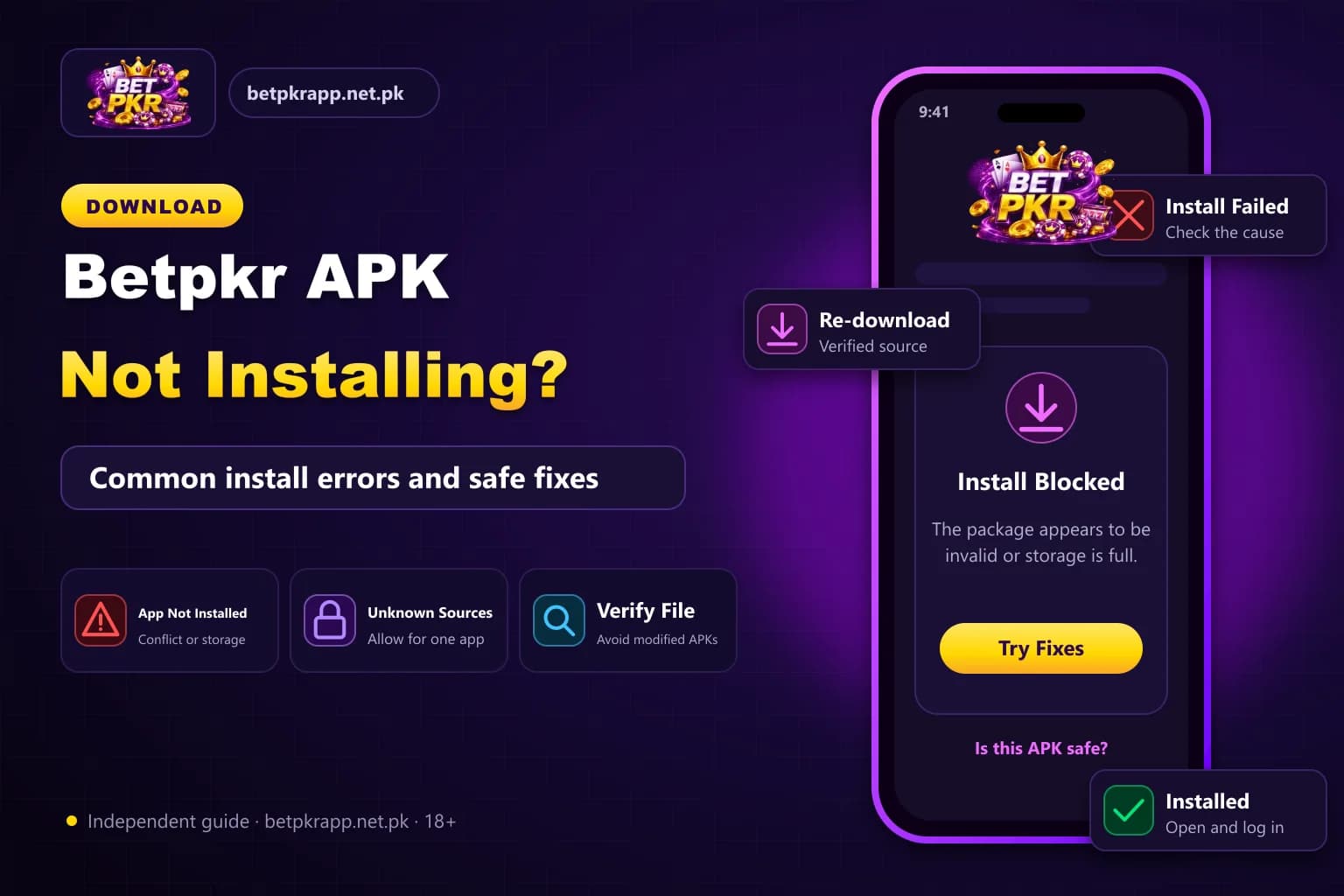
The Betpkr APK may fail to install because of a damaged download, limited storage, Android compatibility problems or a conflict with an older app version.
An installation failure does not always mean that the phone is faulty. In many cases, the problem is connected to the APK file or a device setting.
Before changing security settings, confirm that the file came from a source you trust. Do not repeatedly download different APK files from unknown websites.
Why is the Betpkr APK not installing on my Android phone?
The Betpkr APK usually fails to install because of an incomplete or corrupted download, low phone storage, an incompatible Android version, blocked install permissions or a conflicting older app version. Verify the file source, free up storage, allow installation temporarily for that browser, and never force-install a file that triggers security warnings.
| Item | Detail |
|---|---|
| Platform | Android APK only, not iPhone (iOS) |
| Common causes | Damaged file, low storage, old version conflict |
| Install permission | Install Unknown Apps, turn off afterwards |
| Avoid | Mod, clone and hack APK files |
| Last updated | October 7, 2026 |
Key Takeaways
- Most Betpkr APK install failures come from damaged downloads, low storage, Android incompatibility or an older conflicting version.
- Allowing unknown-app installation only lets Android open the file; it does not prove the APK is safe.
- Confirm login details and registered SIM access before uninstalling an older Betpkr app version.
- Never disable phone security permanently or install mod and hack APKs promising guaranteed wins.
- Android APK files cannot be installed on an iPhone.
Common Betpkr Installation Errors
Android may display messages such as:
- App not installed
- Package appears to be invalid
- There was a problem parsing the package
- Installation blocked
- File cannot be opened
- App is not compatible with your device
- Installation failed
The wording can vary by phone brand and Android version.
1. Check Whether the Download Is Complete
A weak internet connection can interrupt an APK download. The browser may still display the file even when part of it is missing.
To check:
- Open the Downloads folder.
- Review the file name.
- Confirm that it ends in .apk.
- Check whether the file size looks unusually small.
- Delete incomplete duplicate downloads.
- Download the file again only after verifying the source.
Do not rename a ZIP, EXE or other file to APK. Renaming does not convert it into an Android application.
2. Free Up Phone Storage
An APK requires space for both the downloaded package and the installed application.
Even when the file itself is small, Android may need additional storage to unpack and configure it.
Remove:
- Duplicate downloads
- Unused applications
- Large videos
- Temporary browser files
- Old screenshots
- Cached media
Restart the phone after freeing storage and try the installation again.
3. Check Android Compatibility
The APK may have been created for a newer Android version than the one installed on the phone.
Open:
- Settings → About Phone → Android Version
Compare the device version with any requirements shown on the verified download page.
Be careful with exact compatibility claims from third-party websites. Different pages may list different app versions and requirements.
4. Allow Installation From the Correct Source
Android can block APK installation from browsers and file managers.
The permission may appear under:
- Settings → Apps → Special Access → Install Unknown Apps
Select the browser or file manager used to open the APK, then temporarily allow installation.
Turn the permission off again after the process finishes.
Allowing installation does not prove that the file is safe. It only permits Android to open the package.
5. Delete an Older Conflicting Version
An existing version may use a different digital signature. Android may refuse to install the new file over it.
Before removing the old app:
- Confirm that you know the login details.
- Make sure the registered SIM is available.
- Save any important transaction references.
- Check whether account data is stored online.
Uninstall the old version only when account recovery information is available.
6. Check for a Corrupted APK
A corrupted file may produce a parsing or invalid-package error.
Possible causes include:
- Interrupted download
- Modified APK
- File-hosting error
- Antivirus quarantine
- Incorrect file extension
Delete the damaged file and avoid downloading several versions from unrelated websites.
7. Review Device Security Warnings
Security tools may block an APK that appears harmful or unusual.
Do not disable all protection simply to force installation. A warning should be treated as a reason to pause and verify:
- File source
- Website domain
- Developer identity
- Requested permissions
- File type
Avoid any page that instructs users to permanently disable device security.
8. Restart the Phone
A restart can clear a temporary installer or storage problem.
After restarting:
- Close unnecessary apps.
- Check available storage.
- Open the Downloads folder.
- Try the verified APK once.
Repeatedly tapping the installer can create additional errors.
9. Check Whether the APK Is Built for Your Processor
Android phones can use different processor architectures.
An APK created only for one architecture may fail on another device. Most users cannot confirm this from the file name alone.
When compatibility information is unavailable, do not install unofficial modified packages claiming to fix the problem.
10. Avoid Clone, Mod and Hack APK Files
Modified versions may promise:
- Unlimited balance
- Guaranteed wins
- Free withdrawals
- Bonus unlocking
- Prediction tools
These files can contain harmful code or steal account details.
A modified APK cannot guarantee game results or bypass legitimate payment conditions safely.
Betpkr App Installed but Will Not Open
When installation succeeds but the app closes immediately:
- Restart the phone.
- Check the internet connection.
- Clear the app cache.
- Confirm Android compatibility.
- Remove battery restrictions temporarily.
- Update system components.
- Avoid running several cloned copies.
Do not deposit money until the application opens normally and the platform identity has been checked.
When You Should Stop Troubleshooting
Stop and delete the file when:
- The website keeps redirecting.
- The app requests unrelated permissions.
- Security tools repeatedly warn about it.
- The file installs another application.
- The installer asks for remote-access permission.
- The app requests a wallet PIN or email password.
- The APK source cannot be identified.
Protecting the device is more important than completing an installation.
Conclusion
The Bet PKR APK may not install because of a corrupt file, insufficient storage, Android incompatibility or an older conflicting version.
Verify the source before making device changes. Avoid forcing installation when the file produces security warnings or requests unusual permissions.
Frequently Asked Questions
The cause may be limited storage, a damaged APK, an incompatible Android version or a conflict with an older app.
Related Guides
We check every step on the public Bet PKR screens using ordinary Android phones and a desktop browser, and we do not publish version numbers, bonus amounts or limits we cannot verify. This is an independent guide, not the operator. Some buttons are referral links, marked as sponsored; they never change our advice. Real-money gaming is for adults 18+ only.
More Bet PKR Guides
 Updated Oct 7, 2026
Betpkr Aviator and Crash Games Explained
Betpkr Aviator and crash games explained: how a round works, manual and auto cash-out, provably fair checks, and why predictor apps are always a scam.
Read More Updated Oct 7, 2026
How to Bind JazzCash or Easypaisa in Betpkr
Bind JazzCash or Easypaisa to your Betpkr account step by step, fix name and CNIC mismatch errors, and change a bound wallet safely before withdrawing.
Read More Updated Oct 7, 2026
How to Change Your Betpkr Mobile Number and Verify Your Account
Lost your SIM or changed phones? Learn how to update your Betpkr mobile number, verify your account and protect your balance with these practical steps.
Read MoreReady to Get Started?
Download the Bet PKR APK or create an account to continue.