
Betpkr Account Locked? Causes and Recovery Steps
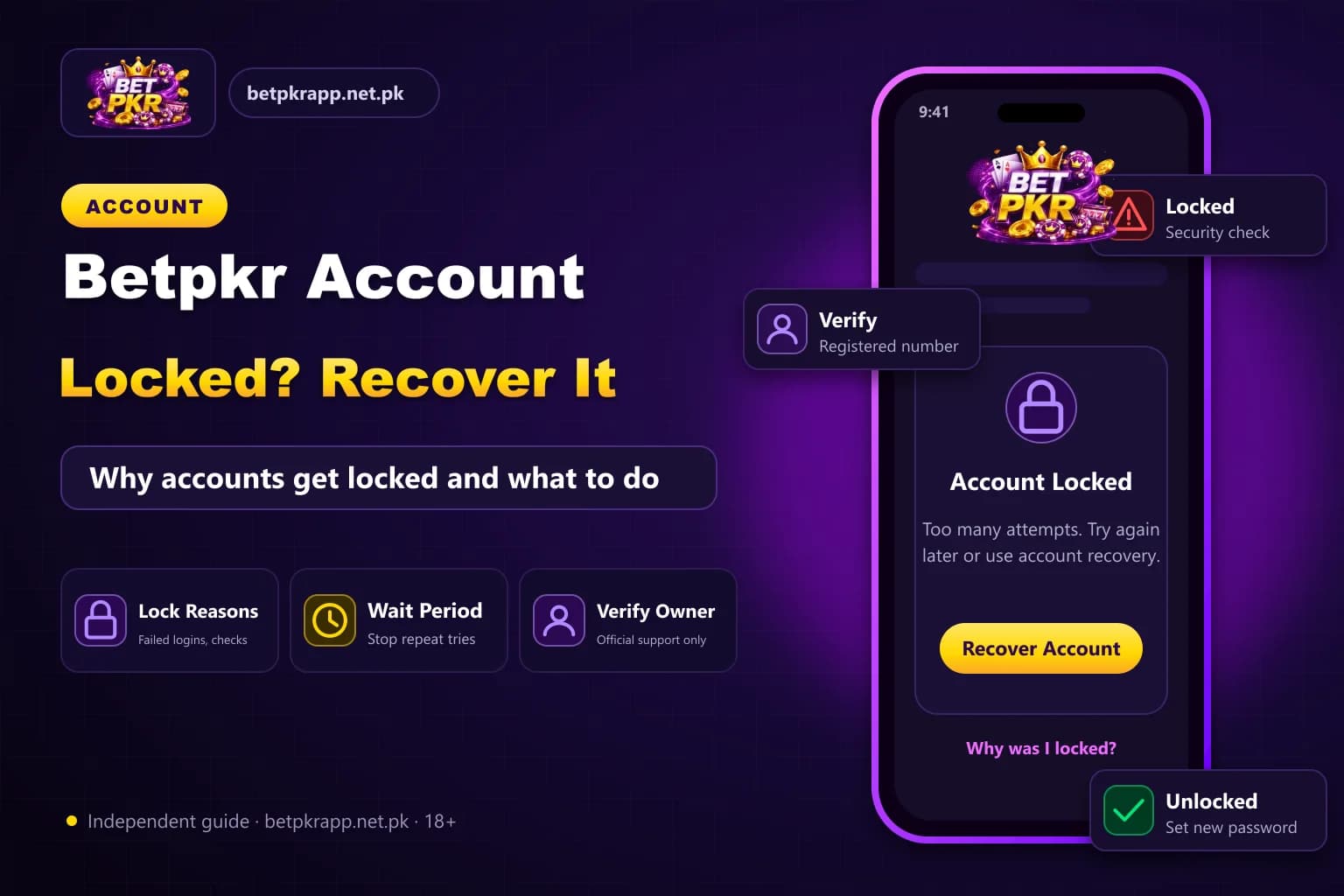
A Betpkr account may be temporarily restricted after repeated failed logins, unusual device activity, verification problems or a payment review.
A locked account does not always mean that the account has been permanently closed.
Stop repeated login attempts, save the displayed message and use the verified recovery process.
How do I unlock a locked Betpkr account?
A locked Betpkr account is usually a temporary restriction after repeated wrong passwords, too many OTP requests, a new device or a payment review. Stop logging in, save the error message, reset the password with one OTP to the registered number, and contact verified in-app support. Never pay an agent to unlock it.
| Item | Detail |
|---|---|
| Common causes | Wrong passwords, OTP requests, new device, payment review |
| Recovery route | Forgot Password + OTP to registered SIM |
| Support | Verified app or website support only |
| Never share | Password, OTP or wallet PIN |
| Last updated | October 7, 2026 |
Key Takeaways
- A Betpkr account lock is often temporary and does not always mean the account is permanently closed.
- Repeated failed passwords, too many OTP requests, new devices and payment reviews can all trigger a restriction.
- Stop login attempts, save the error message and use Forgot Password with the registered mobile number.
- Never pay an agent, share an OTP or send a wallet PIN to unlock an account.
- Do not create a duplicate account to bypass a lock; ask verified support about balance and pending withdrawals.
Why Is the Betpkr Account Locked?
Repeated Incorrect Passwords
Several failed password attempts may activate a temporary security restriction.
Use the forgotten-password option instead of continuing to guess.
Too Many OTP Requests
Repeated verification-code requests can trigger a temporary block.
Wait before requesting another code and enter only the newest OTP.
Login From a New Device
A new phone, browser, location or emulator may require additional verification.
Keep access to the registered mobile number.
Unusual Account Activity
The platform may review:
- Sudden payment changes
- New withdrawal details
- Multiple device logins
- Unfamiliar location
- Large transaction change
- Repeated password resets
Identity or Payment Verification
A withdrawal or account change may require verification.
Provide documents only through a verified platform process. Avoid sending complete identity files to an unknown social-media agent.
Duplicate Accounts
Several accounts connected to one number, device or payment identity may cause a review.
Do not create another account to bypass a restriction.
Bonus or Promotion Review
The account may be reviewed when promotional rules appear to have been broken.
Possible issues include:
- Multiple bonus accounts
- Incomplete turnover
- Restricted game use
- Referral abuse
- Duplicate payment identity
Read the current promotion terms.
First Steps After the Account Is Locked
- Stop repeated login attempts.
- Save the exact error message.
- Note the date and time.
- Confirm the username.
- Check access to the registered SIM.
- Review recent account activity.
- Use the password-recovery option.
- Contact verified support when recovery fails.
Do not pay someone to unlock the account.
Reset the Password
When the recovery option is available:
- Open the verified login page.
- Select Forgot Password.
- Enter the registered number.
- Request one OTP.
- Enter the newest code.
- Create a new unique password.
- Log in again.
Avoid reusing the compromised or forgotten password.
Account Locked After Changing Phone
A new-device restriction may require:
- OTP verification
- Email confirmation
- Security question
- Device approval
- Support review
Use the registered SIM and avoid switching between many devices during recovery.
Account Locked During Withdrawal
A payment request may trigger review when:
- The withdrawal account changed.
- The account name does not match.
- Verification is incomplete.
- Bonus conditions are under review.
- Several withdrawal attempts were submitted.
- Unusual activity was detected.
Save the withdrawal ID and account status before contacting support.
Account Locked After Deposit
Possible causes include:
- Payment-account mismatch
- Incorrect deposit reference
- Disputed transaction
- Duplicate payment submission
- Unusual recipient issue
- Verification request
Keep the original payment receipt.
Evidence to Save
Prepare:
- Username
- Registered number with digits hidden
- Error screenshot
- Date and time
- Device type
- Recent login information
- Deposit or withdrawal ID
- Payment receipt
- Support conversation
Do not include the password, OTP or wallet PIN.
How to Contact Betpkr Support
Use the support option inside the verified app or website.
A clear message can say:
My account became locked on [date and time]. The displayed message says [error]. My username is [username], and I still have access to the registered mobile number. Please explain the verification steps required to restore access.
Keep the message factual and avoid opening several tickets for the same issue.
Fake Account-Unlock Scams
Do not trust anyone who:
- Guarantees instant recovery
- Requests the OTP
- Asks for the full password
- Demands a deposit
- Requests a wallet PIN
- Asks for remote screen access
- Claims to be an administrator through social media
- Requests payment through a personal number
A legitimate recovery process should not require private wallet credentials.
Account Permanently Closed
When support says the account is permanently closed, ask for:
- Reason for closure
- Relevant account rule
- Status of available balance
- Status of pending withdrawals
- Appeal process
- Required verification
- Expected communication route
Do not create another account until the rule and remaining balance are clarified.
Protect the Account After Recovery
- Use a new password.
- Log out from unknown devices.
- Keep the registered SIM secure.
- Review payment accounts.
- Remove unfamiliar withdrawal details.
- Keep OTP codes private.
- Avoid shared devices.
- Do not install modified APKs.
- Review account activity.
- Save recovery information.
Account Lock and Responsible Use
An account restriction should not lead to payments to agents or repeated deposits.
Do not borrow money or send additional funds based on a promise that the account will be reopened.
Frequently Asked Questions
Repeated failed logins, unusual activity, verification or payment review may cause a restriction.
Related Guides
We check every step on the public Bet PKR screens using ordinary Android phones and a desktop browser, and we do not publish version numbers, bonus amounts or limits we cannot verify. This is an independent guide, not the operator. Some buttons are referral links, marked as sponsored; they never change our advice. Real-money gaming is for adults 18+ only.
More Bet PKR Guides
 Updated Oct 7, 2026
Betpkr Aviator and Crash Games Explained
Betpkr Aviator and crash games explained: how a round works, manual and auto cash-out, provably fair checks, and why predictor apps are always a scam.
Read More Updated Oct 7, 2026
How to Bind JazzCash or Easypaisa in Betpkr
Bind JazzCash or Easypaisa to your Betpkr account step by step, fix name and CNIC mismatch errors, and change a bound wallet safely before withdrawing.
Read More Updated Oct 7, 2026
Betpkr Link Not Opening: Causes and Fixes
Betpkr link not opening or the login page stuck? Find out if it is your network or the site, fix cache and DNS, and find the current link without risk.
Read MoreReady to Get Started?
Download the Bet PKR APK or create an account to continue.