
Betpkr OTP Not Received? Causes and Solutions
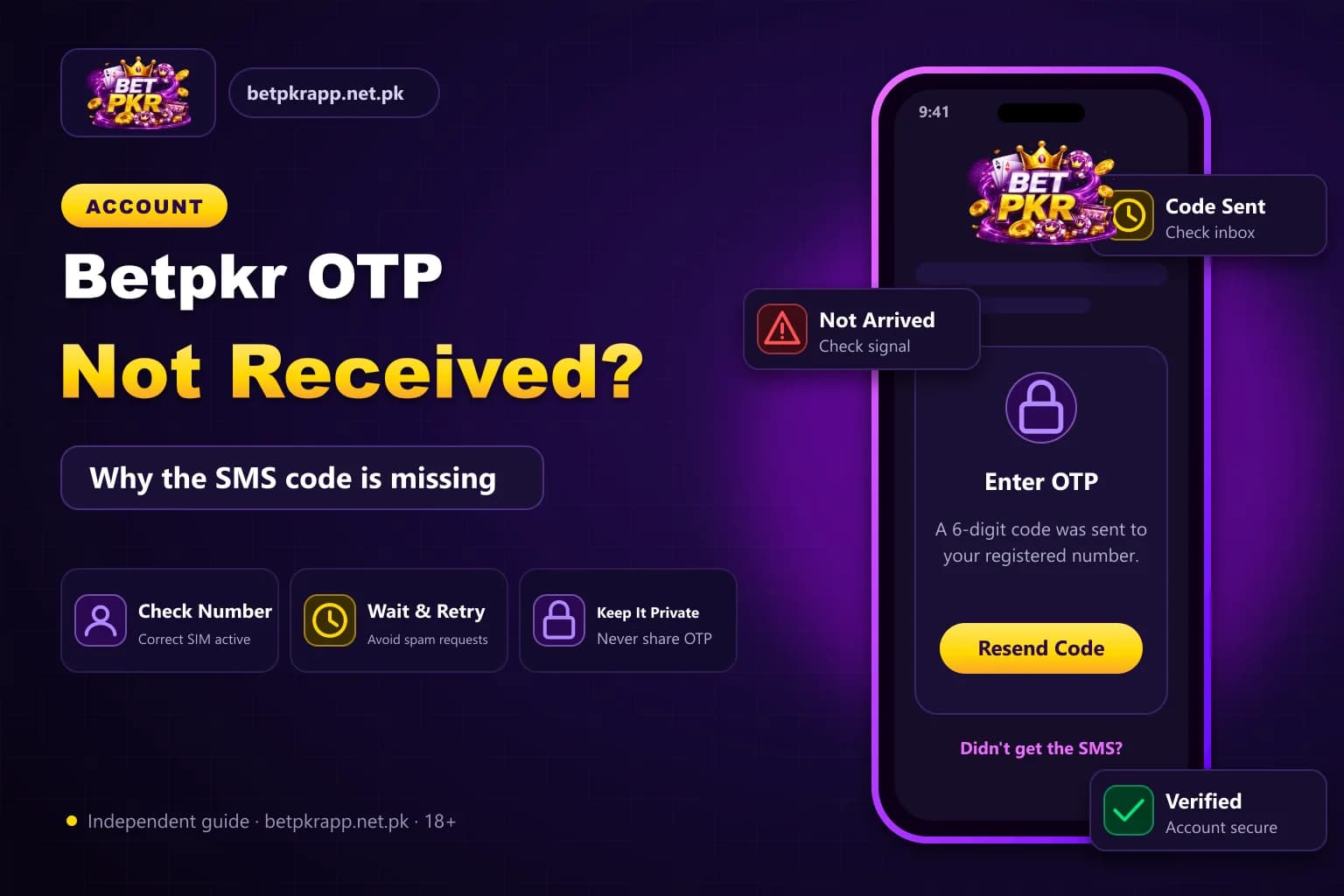
A Betpkr OTP may not arrive because of an incorrect mobile number, weak network signal, SMS filtering or too many verification requests.
The OTP is usually used during registration, password recovery, login from a new device or an account-security check.
Do not share the code with another person. Anyone who receives the OTP may be able to access or change the account.
Why am I not receiving the Betpkr OTP code?
A Betpkr OTP usually fails to arrive because of a wrong mobile number, weak signal, SMS spam filtering, an inactive or wrong SIM, or too many code requests. Check the number, restart the phone, look in blocked messages, wait a few minutes, then request one new code and enter only the newest.
| Item | Detail |
|---|---|
| Delivery | SMS to the registered mobile number |
| Used for | Registration, password reset, new device, payment binding |
| Resend rule | Wait a few minutes, request once |
| Never share | The full OTP with anyone |
| Last updated | October 7, 2026 |
Key Takeaways
- A missing Betpkr OTP is usually caused by a wrong number, weak signal, SMS filtering or repeated requests.
- Too many OTP requests can replace older codes and may trigger a temporary security restriction.
- On dual-SIM phones, the OTP goes to the registered number regardless of which SIM provides internet.
- An OTP received without requesting it may mean someone is trying to access the account.
- Never share the full OTP with support, agents or anyone claiming a withdrawal or bonus is waiting.
What Is a Betpkr OTP?
OTP means one-time password.
It is a temporary verification code normally sent by SMS. The code may expire after a short period and can usually be used only once.
An OTP may be requested when:
- Creating an account
- Resetting a password
- Logging in on another device
- Changing account details
- Binding a payment method
- Confirming sensitive activity
1. Check the Entered Mobile Number
A single incorrect digit can send the code to another number or stop the request.
Check:
- Country code
- Mobile-network prefix
- Missing digit
- Extra space
- Whether the account uses another number
- Whether the number was entered with or without the first zero
Use the same number entered during registration.
2. Check Mobile Signal
A weak or unstable signal can delay SMS delivery.
Try:
- Move to an area with better coverage.
- Turn airplane mode on for a few seconds.
- Turn airplane mode off.
- Wait for the network to reconnect.
- Request one new code.
Do not request multiple codes immediately.
3. Wait Before Requesting Another OTP
Repeated OTP requests can cause confusion because the newest code may replace older ones.
It may also trigger a temporary security restriction.
Wait a few minutes, then use the platform’s resend option once.
Always enter the most recent OTP.
4. Restart the Phone
Restarting can refresh the mobile connection and message service.
After restarting:
- Confirm the SIM is active.
- Check network bars.
- Open the SMS app.
- Request a new OTP.
- Wait without closing the verification page.
5. Check Blocked and Spam Messages
Some phones automatically filter unknown or automated senders.
Open the message app and check:
- Spam folder
- Blocked messages
- Archived conversations
- Unknown-sender section
- Notification settings
Unblocking a sender should only be done when the message is clearly linked to the requested verification.
6. Clear a Full SMS Inbox
Older phones or SIM-based message systems may stop receiving messages when storage is full.
Delete unnecessary SMS messages and restart the phone.
Do not delete payment or account-recovery evidence that may still be needed.
7. Confirm That the SIM Is Active
An inactive, blocked or recently replaced SIM may not receive verification messages.
Check whether the SIM can:
- Receive normal SMS
- Make calls
- Connect to the network
- Receive messages from other services
Contact the mobile-network provider when normal SMS messages are also failing.
8. Check Dual-SIM Settings
A dual-SIM phone may use one SIM for internet and another for verification.
Confirm that:
- The registered number is inserted.
- The correct SIM is active.
- The SMS app can receive messages from both SIMs.
- The phone is not in SIM-disabled mode.
The OTP will normally go to the registered number, regardless of which SIM provides internet access.
9. Stop Using a VPN Temporarily
A VPN does not normally control SMS delivery, but an unusual login location may trigger additional security checks.
Turn off the VPN temporarily and try the verification process again through a stable connection.
Do not use a free unknown VPN during account or payment activity.
10. Check for an Account Restriction
Repeated failed logins, several OTP requests or unusual device activity may temporarily restrict verification.
Possible signs include:
- Too many attempts
- Try again later
- Verification blocked
- Account under review
- Device not recognised
Stop repeated attempts and save the displayed error.
Betpkr OTP Expired
An OTP can expire when:
- It was entered too late.
- A newer code was requested.
- The app was closed.
- The verification session restarted.
- The phone time is incorrect.
Request a fresh code and enter it promptly.
Bet PKR Says the OTP Is Incorrect
Check:
- Whether all digits were entered
- Whether spaces were included
- Whether the latest code is being used
- Whether autofill inserted an older code
- Whether the verification page was refreshed
Type the newest OTP manually when autofill keeps selecting the wrong message.
OTP Received Without Requesting It
An unexpected OTP can mean that someone entered your number or attempted to access the account.
Take these steps:
- Do not share the code.
- Do not click links in the message.
- Change the password through the verified platform.
- Review active sessions if available.
- Contact verified support.
- Secure the registered SIM.
Never approve a login you did not start.
Fake Support and OTP Scams
A scammer may claim:
- Your account needs verification.
- A withdrawal is waiting.
- A bonus requires confirmation.
- The wallet will be blocked.
- The OTP must be shared with support.
Do not send the code.
Verified support should not need the full OTP to fix message delivery.
Details to Save Before Contacting Support
Prepare:
- Account username
- Registered number with middle digits hidden
- Date and time
- Error message
- Device type
- Mobile network
- Screenshot without exposing passwords
Do not send wallet PINs, complete passwords or identity documents through an unverified chat.
Conclusion
A missing Bet PKR OTP is often connected to the mobile number, network signal, message filtering or repeated requests.
Check the phone first, request only one new code and keep every OTP private. Contact support only through a route you have verified.
Frequently Asked Questions
The number may be incorrect, network coverage may be weak, messages may be filtered or too many requests may have been submitted.
Related Guides
We check every step on the public Bet PKR screens using ordinary Android phones and a desktop browser, and we do not publish version numbers, bonus amounts or limits we cannot verify. This is an independent guide, not the operator. Some buttons are referral links, marked as sponsored; they never change our advice. Real-money gaming is for adults 18+ only.
More Bet PKR Guides
 Updated Oct 7, 2026
Betpkr Aviator and Crash Games Explained
Betpkr Aviator and crash games explained: how a round works, manual and auto cash-out, provably fair checks, and why predictor apps are always a scam.
Read More Updated Oct 7, 2026
How to Bind JazzCash or Easypaisa in Betpkr
Bind JazzCash or Easypaisa to your Betpkr account step by step, fix name and CNIC mismatch errors, and change a bound wallet safely before withdrawing.
Read More Updated Oct 7, 2026
Betpkr Link Not Opening: Causes and Fixes
Betpkr link not opening or the login page stuck? Find out if it is your network or the site, fix cache and DNS, and find the current link without risk.
Read MoreReady to Get Started?
Download the Bet PKR APK or create an account to continue.